
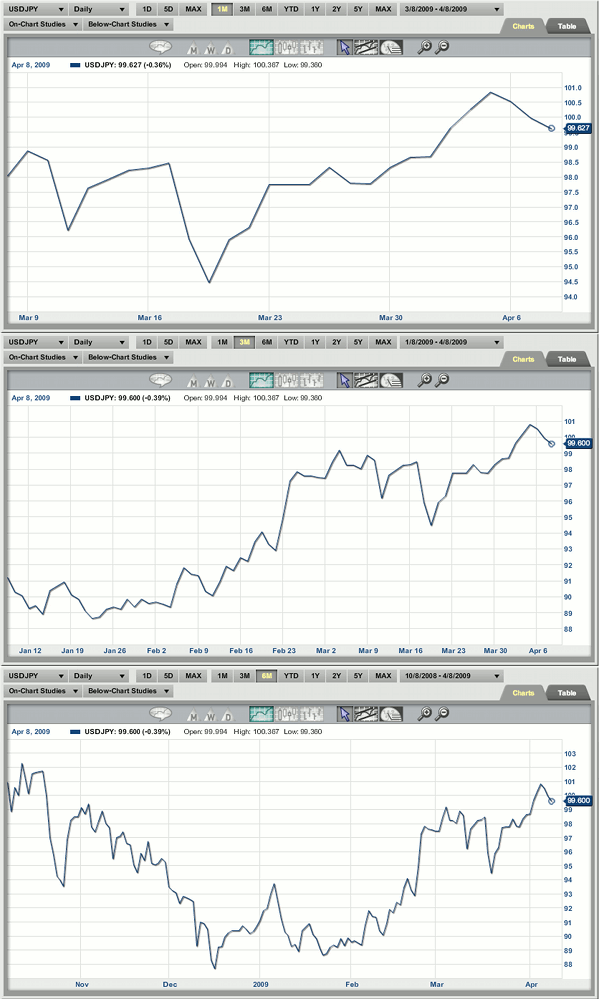
For a quick time frame switch, click on the buttons above the chart to change the time frame. You can select from 1 month, 3 months, 6 months, year-to-date, 1 year, 2 years, 5 years, or MAX which will draw up all of the data from the time the stock was conceived, or from when we started carrying the data. This MAX time frame may vary depending on market type.
Return To Charting Different Time-Frames Homepage
Return To Help Section Homepage
